
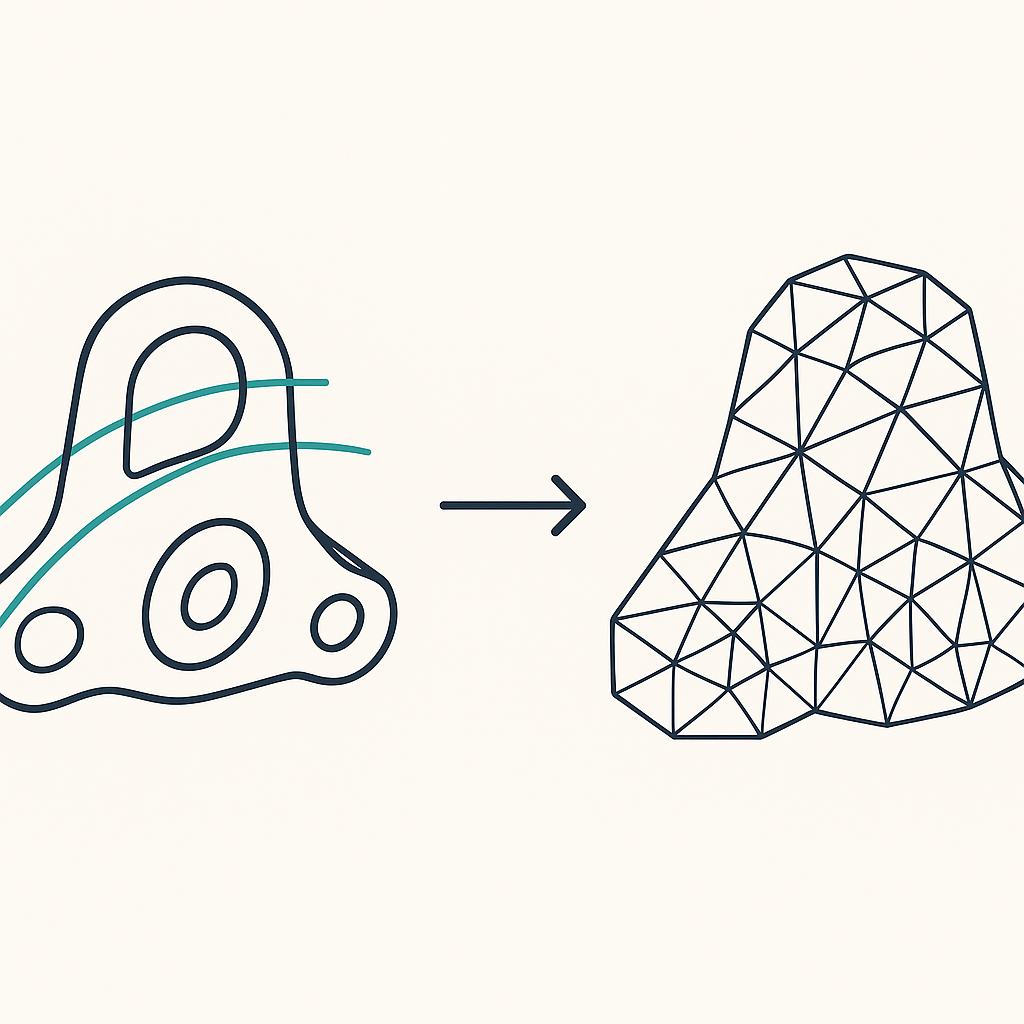
Scanning for 3D printing has different priorities than scanning for metrology. A printable model needs a watertight mesh with few holes to patch, not necessarily the tightest accuracy number on a spec sheet. The picks below were chosen by comparing published manufacturer specs, bundled software output formats, and community test data on how clean each scanner’s mesh comes out before it ever reaches a slicer.
How We Picked These
Every scanner on this list was evaluated against four criteria: whether its bundled software exports a print-ready STL directly, its published point resolution and accuracy figures, its price as of September 2026 from an official or major retail source, and how it fits a specific 3D-printing use case (budget builds, dark parts, small objects, or large objects). No scanner here was physically tested by ScanVersus; every claim is sourced from manufacturer specifications or cited community reviews, and each listing names the weakness alongside the strength.
Best Overall for 3D Printing: Revopoint POP 3
The POP 3 pairs a binocular dual-camera infrared structured-light system with a 0.05mm point distance and single-frame accuracy up to 0.1mm, per Revopoint’s published specs. It captures at 12-18fps and records full-color texture, which helps when matching a reprint to the original object’s surface detail. The bundled Revo Scan 5 software exports STL directly, so a scan can move from capture to slicer without a separate mesh-repair step in most cases.
This fits hobbyists scanning props, figures, and mechanical parts they intend to reprint, thanks to its balance of price and mesh quality. The main weakness: it needs fairly even, diffuse lighting to produce a clean, hole-free mesh, and scans done in harsh or uneven light tend to need more manual cleanup before printing.
Price: $659-699, per the Revopoint official store, as of September 2026.
Best Budget Option: Einstar
The Einstar is a USB-tethered scanner from Shining3D that combines three IR VCSEL projectors, two stereo depth cameras, and an RGB camera. Shining3D lists point distance accuracy up to 0.1mm and a 14fps capture rate. The company positions Einstar specifically toward entry-level and hobbyist users, and its output is built to work in standard 3D-printing pipelines without extra conversion steps.
It suits beginners who want to start printing simple scanned props without spending near four figures on hardware. Because it is USB-tethered rather than battery-powered and wireless, the cable length limits how far a user can move around a larger printed part mid-scan, which matters more for bulkier objects than small ones.
Price: $699-759, per Vision Miner/Shining3D, as of September 2026.
Best for Black/Metallic Printed Parts: Creality CR-Scan Otter
Dark and reflective surfaces are a common failure point for structured-light scanners, since the projected pattern can scatter or vanish on glossy or black finishes. The CR-Scan Otter uses four-lens stereo vision rather than relying solely on pattern projection, with accuracy up to 0.02mm and support for objects between 10mm and 2000mm, per Creality’s specs. Its 24-bit RGB camera captures color, and Creality states it can scan black or metallic surfaces without needing an anti-glare spray coating first.
That makes it a strong fit for reverse-engineering or reprinting dark or metallic mechanical parts where spraying isn’t practical or would alter the part. The tradeoff: Creality has not published a capture-speed (fps) figure for the Otter, so how quickly it captures larger scenes in continuous motion is less predictable than for scanners with a stated frame rate.
Price: $899, per Creality’s official store, as of September 2026.
Best Desktop for Small Printable Objects: EinScan SE V2
The EinScan SE V2 is a turntable-based desktop scanner using white light rather than a laser, which Shining3D notes as safer for repeated close-up use. Its published specs list single-shot accuracy under 0.1mm and point distance between 0.17mm and 0.2mm, with a fixed scan volume up to 700x700x700mm and an auto mode down to 200x200x200mm. A full 360-degree turntable scan completes in under 45 seconds per the spec sheet.
This setup fits anyone who repeatedly scans a series of similar small objects, such as miniatures or small mechanical parts, ahead of reprinting them. Because it depends on a turntable and a fixed desk setup, it isn’t built for scanning objects too large or too immovable to place on the platform, which pushes larger jobs toward a handheld scanner instead.
Price: $1,199, per the EinScan official specs page, as of September 2026.
Best for Larger Printable Objects: EinScan Pro 2X
The EinScan Pro 2X is a handheld white-LED scanner built to cover more ground than a desktop turntable model. Shining3D’s published specs list a scan area between 150x120mm and 250x200mm, single-scan accuracy up to 0.04mm, and a capture rate up to 1,500,000 points per second (30fps). It offers four scan modes, including a fixed scan mode with a turntable for objects that still benefit from automated rotation.
It’s aimed at small studios and serious hobbyists printing larger or more detailed props and parts once a desktop scanner’s fixed volume becomes a limitation. The clear weakness is cost: at roughly $5,999, it represents a significant jump over the rest of this list, and most casual hobbyists scanning occasional small objects won’t need this tier of hardware.
Price: $5,999, per Top3DShop, as of September 2026.
Frequently Asked Questions
Do I need a scan spray for dark objects?
It depends on the scanner. Most structured-light and stereo-vision scanners struggle with black or highly reflective surfaces because the projected pattern doesn’t register cleanly, so a temporary matte spray is often recommended. The Creality CR-Scan Otter is an exception, since its four-lens stereo vision system is built to handle black and metallic surfaces without a spray coating, per Creality’s specs.
What file format do I need for my 3D printer?
Most desktop 3D printers and slicers expect STL, which describes a watertight (fully enclosed) mesh surface. Both Revopoint’s Revo Scan software and Shining3D’s EXScan software, used across the picks above, export STL directly from a completed scan, so no separate file-conversion step is usually needed before loading a model into a slicer.
Does higher accuracy always mean a better print?
Not necessarily. A scanner’s accuracy figure measures how closely a single scan matches the real object’s geometry, but a print-ready model also depends on how few gaps or holes the mesh has and how well the software’s alignment and merging process handles them. A scanner with slightly lower accuracy but cleaner, more complete captures can produce an easier print than one with tighter accuracy but more holes to patch manually.