
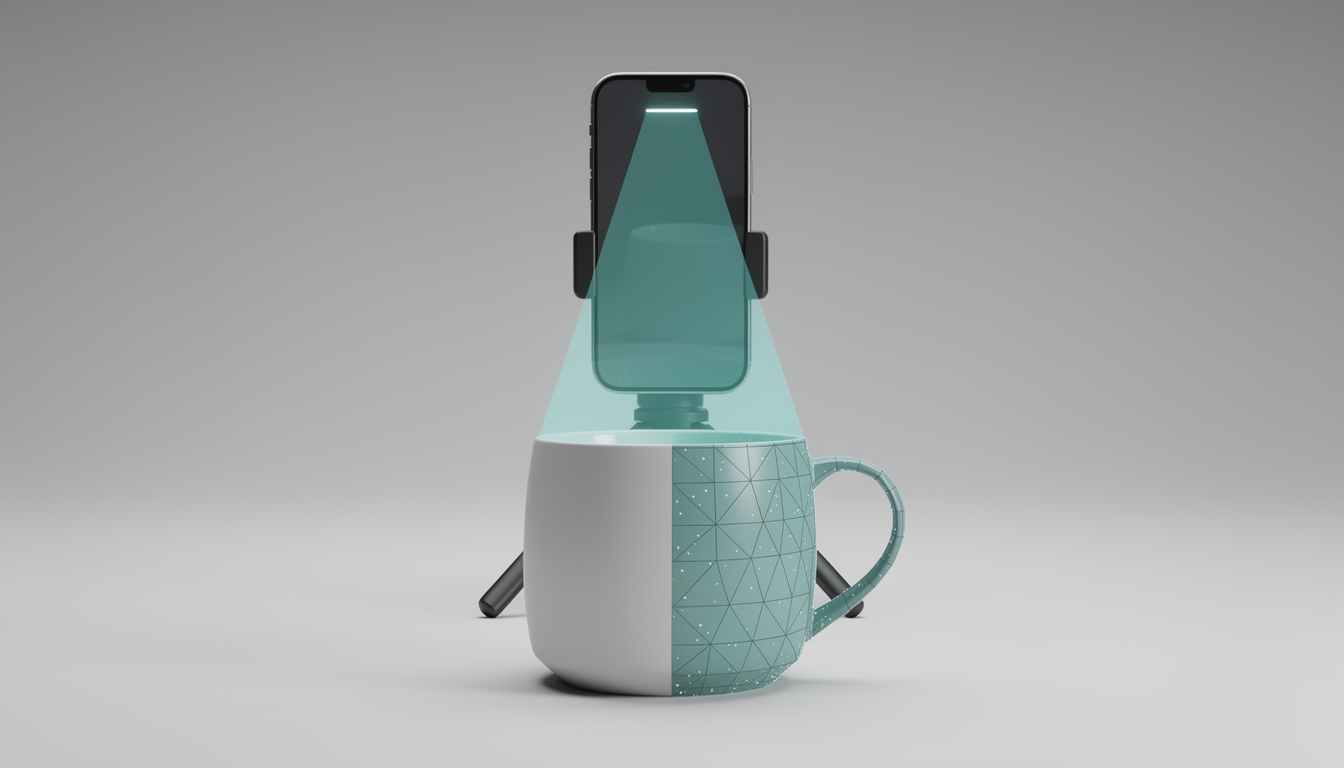
Phone-based 3D scanning splits into two camps: LiDAR-based apps, which need an iPhone or iPad Pro with a LiDAR sensor, and photogrammetry-based apps, which work on any modern phone — iPhone or Android — by stitching together regular photos. This page covers both types and both platforms, since readers comparing dedicated hardware scanners often want to know what a phone can do first.
Scanning apps are a lower-cost alternative to the dedicated hardware scanners covered elsewhere on this site. They’re useful for casual capture — a piece of furniture, a small prop, a room layout — without buying a separate device. They generally deliver lower accuracy than a dedicated scanner, though no single accuracy figure applies across all phone apps and use cases, so treat them as a starting point rather than a replacement for hardware built specifically for scanning.
How We Picked These
Each pick here was chosen from the developer’s own published platform support and pricing tiers — what devices an app runs on, what’s free versus paid, and what export limits apply — then cross-checked against community reviews for real-world quirks the marketing pages don’t mention. No claims about scan quality are based on in-house testing; ScanVersus doesn’t run a scanning lab. Where a review or forum consistently flags a limitation, that’s noted as a community-reported weakness rather than a verified lab result.
Best Overall for iPhone LiDAR: Polycam
Polycam is free to download, with paid Pro tiers layered on top for AEC (architecture, engineering, construction) and team workflows, per the app’s own listing. It supports three capture methods: photogrammetry, 3D Gaussian Splatting, and LiDAR scanning on LiDAR-equipped iPhones and iPads. That range makes it strong for both object capture and full room or space scans in a single app.
Polycam fits iPhone Pro owners who want one app that handles both small objects and larger interior spaces, plus a clear upgrade path into professional workflows if the need arises. The catch: LiDAR capture is locked to LiDAR-equipped iPhone and iPad Pro models. Standard iPhones without the sensor fall back to photogrammetry only, which changes both the workflow and the expected output quality.
Best for Quick On-Device Scans: Scaniverse
Scaniverse is free and built specifically around iOS LiDAR hardware. It processes scans locally on the device, giving real-time feedback while capturing and skipping the cloud upload step that some competitors require even for basic scans. That makes it a fast option when a user wants a model without waiting on a server round-trip.
It fits iPhone Pro users who want speed and privacy over advanced editing features — nothing leaves the phone for a standard scan. Per community reviews, Scaniverse tends to produce lower face counts than some competing apps and struggles with shiny or reflective surfaces, a common weak point for any LiDAR-based capture method. Anyone scanning glossy or mirrored objects should expect rougher results and plan on manual cleanup afterward.
Best Free Cross-Platform Photogrammetry: RealityScan
RealityScan, from Epic Games, is completely free with no paid mobile tier, supporting up to 300 photos per scan. It runs on both iPhone and Android because it relies on photogrammetry rather than a LiDAR sensor, so no special hardware is required to get started.
It performs well on textured subjects, where photogrammetry algorithms have plenty of visual detail to work from. This is the pick for Android users, who are locked out of any LiDAR-based app by definition, and for anyone who wants a genuinely free, capable scanner without a subscription hanging over it. The trade-off is capture time: as a photogrammetry-only app on non-LiDAR phones, it needs more photos and more careful, evenly-lit coverage of the subject than a LiDAR scan would, and a rushed or poorly lit photo set will show up in the final mesh.
Best Cross-Platform for Object Detail: KIRI Engine
KIRI Engine is free to download, with three free scan exports per week on the base tier. Premium unlocks at $6.99 per month or $49.99 per year, raising the photo count per scan from 70 to 200, along with faster processing and unlimited exports, as of September 2026 per KIRI Engine’s own published pricing.
It runs on both iOS and Android, and it’s one of the few apps that pairs photogrammetry with supported LiDAR export on compatible iPhones, giving it flexibility across device types. That makes it a fit for Android owners generally and for budget-conscious iPhone users who want the cheapest paid tier among LiDAR-adjacent apps. The main limitation sits on the free plan: three scan exports per week is workable for occasional use but restrictive for anyone scanning regularly, and hitting that cap without a Premium subscription means waiting until the next week to export.
Frequently Asked Questions
Do I need an iPhone Pro model for these apps?
Only for the LiDAR features. Polycam and Scaniverse both use LiDAR to power their fastest, most guided capture mode, and that sensor only ships on iPhone and iPad Pro models. Without it, Polycam falls back to photogrammetry, and Scaniverse’s core workflow is unavailable. RealityScan and KIRI Engine don’t require LiDAR at all — both work with regular photos on any modern iPhone or Android phone.
Can Android users get the same results?
Android users can’t access LiDAR scanning, since no current Android phone ships with the sensor these apps rely on. RealityScan and KIRI Engine are both available on Android and use photogrammetry instead, which works from ordinary photos but generally takes more careful shooting — more angles, more even lighting — to reach a comparable result.
Are these apps a substitute for a dedicated 3D scanner?
Not for precision work. Phone scanning apps are a lower-cost way to capture objects and rooms casually, but they generally deliver lower accuracy than a dedicated hardware scanner built for that purpose. For hobbyist projects, quick reference models, or getting familiar with 3D capture before investing in hardware, they’re a reasonable starting point.