
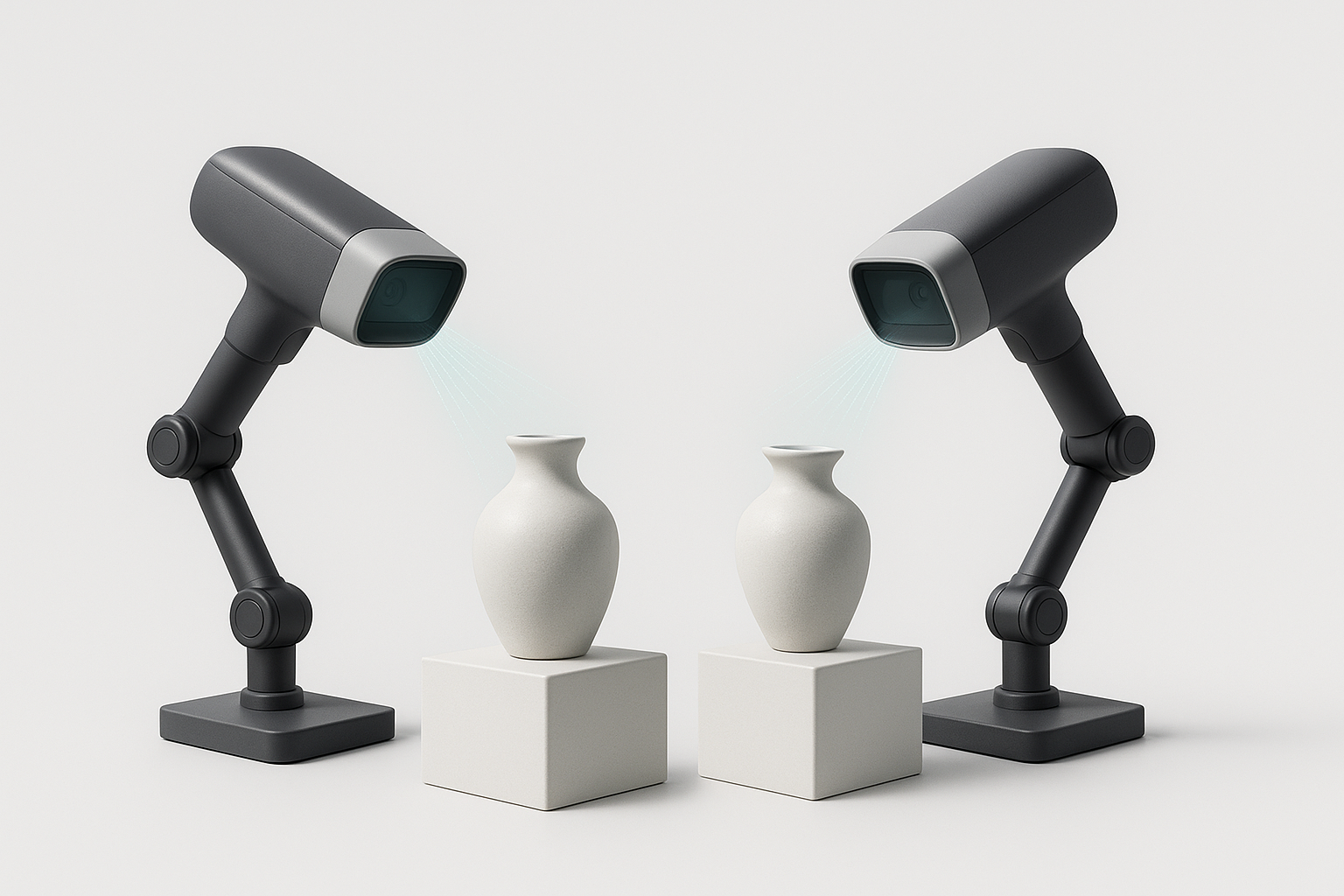
Choosing between the Einstar and the Revopoint POP 3 comes down to workflow, not raw specs: both are portable structured-light 3D scanners priced within about $60 of each other. Buyers who scan at a fixed desk or classroom station and want simple tethered reliability should lean Einstar; buyers who want wireless, phone-based scanning on the move should lean Revopoint POP 3.
At a Glance
| Category | Portable structured-light 3D scanner |
|---|---|
| Einstar | USB-tethered, entry-level scanner built for hobbyists and classrooms — around $699-759 as of September 2026 (Vision Miner / Shining3D) |
| Revopoint POP 3 | Wireless-capable handheld scanner for hobbyists and small studios — $659-699 as of September 2026 (Revopoint official store) |
| Deciding spec | Connectivity: Einstar must stay wired to a laptop for power and data; POP 3 can scan wirelessly off a compatible Android phone |
Full Spec Comparison
| Axis | Einstar | Revopoint POP 3 |
|---|---|---|
| Accuracy | Point distance accuracy up to 0.1mm, per Shining3D’s published specs | Single-frame accuracy up to 0.1mm, per Revopoint’s published specs |
| Resolution | 0.1mm point distance (single figure covers both accuracy and resolution in the manufacturer’s listing) | 0.05mm point distance/resolution — finer point spacing than Einstar’s 0.1mm |
| Capture Speed | Up to 14fps | 12-18fps |
| Working Volume/Range | Not published as a formal working-volume spec in the sources reviewed for this comparison | Minimum scan volume 20 × 20 × 20mm, per Revopoint’s published specs |
| Tracking | Two stereo depth cameras plus three infrared VCSEL projectors and one RGB color camera for tracking; USB-tethered, no wireless mode | Binocular dual-camera infrared structured light tracking with full-color texture capture; usable wirelessly via a compatible Android phone or tethered to a PC |
| Weight | Not listed in the manufacturer sources reviewed for this comparison | Not listed in the manufacturer sources reviewed for this comparison |
| Computer Requirements | Requires a continuous USB connection to a laptop or PC — the cable supplies both data and power, since Einstar has no internal battery | No PC required for handheld phone scanning; a Windows or Mac computer is needed only for the tethered PC workflow |
| Software & Subscriptions | Bundled Shining3D scanning software; specific subscription tiers were not detailed in the sources reviewed for this comparison | Free Revo Scan 5 software; no subscription required for core scanning features, per Revopoint’s published specs |
| Price | $699-759 as of September 2026 (Vision Miner / Shining3D) | $659-699 as of September 2026 (Revopoint official store) |
Where Einstar Wins
Einstar’s tethered design is a strength for anyone who scans in one place. Because the USB cable carries both data and power, per Shining3D’s published specs, there is no battery to monitor and no risk of a scan cutting out mid-session — a real benefit in classrooms and labs running back-to-back sessions. Its sensor stack, two stereo depth cameras, three infrared VCSEL projectors, and an RGB color camera, is built to keep tracking stable for scanning newcomers who have not yet learned to compensate for lost tracking manually. Point distance accuracy up to 0.1mm also puts it in the same practical accuracy band as the pricier POP 3, so beginners are not giving up meaningful precision for the lower barrier to entry. Finally, the lower end of its price range, around $699 per Vision Miner, undercuts the POP 3’s starting price, making it an accessible first scanner for students and hobbyists who want dependable, cable-simple operation over on-the-go flexibility.
Where Revopoint POP 3 Wins
POP 3’s finer 0.05mm point distance and resolution, per Revopoint’s published specs, gives it an edge for capturing small, detailed objects where the extra half-tenth of a millimeter matters. Its 12-18fps capture speed also outpaces Einstar’s 14fps ceiling at the top end, which shortens full-object scan times. The standout difference is workflow: POP 3 can scan wirelessly from a compatible Android phone, letting users walk around larger subjects without a laptop tether, or plug into a PC when more processing power is useful. A minimum scan volume of 20 × 20 × 20mm, per Revopoint’s specs, makes it well suited to jewelry, miniatures, and other small-parts work. Add free Revo Scan 5 software with no subscription required for core features, and POP 3 offers small studios and mobile hobbyists a lower-friction, more flexible path from capture to finished mesh than a tethered-only device can match.
Verdict: Which Should You Buy?
Hobbyists, students, and classroom settings that scan at a fixed station will get dependable results from the Einstar without worrying about battery life. Small studios, jewelry and miniature scanning, and anyone who wants to walk around a subject untethered will get more out of the Revopoint POP 3’s finer resolution and wireless phone workflow. For more on how we build these comparisons, see our editorial policy.
Frequently Asked Questions
Can the Einstar scan without being plugged into a computer?
No. Einstar has no internal battery, so its USB cable must stay connected to a laptop or PC for both power and data throughout the scan, per Shining3D’s published specs.
Does the Revopoint POP 3 require a subscription for full scanning features?
No. POP 3 ships with Revo Scan 5, and Revopoint’s published specs state that core scanning features do not require a subscription, whether used wirelessly with a phone or tethered to a PC.
Which scanner is better suited to scanning small, detailed objects?
POP 3 has the edge here: its 0.05mm point distance and resolution and 20 × 20 × 20mm minimum scan volume, both per Revopoint’s published specs, make it better matched to jewelry, miniatures, and other small-parts work than Einstar’s 0.1mm point distance accuracy.